Profile and account settings
The personal center manages profile data, security credentials, addresses, API keys, and credits, billing, subscription, and organization services. Visible sections and permissions vary by account type or organization context—follow what the page shows.
Enter the personal center
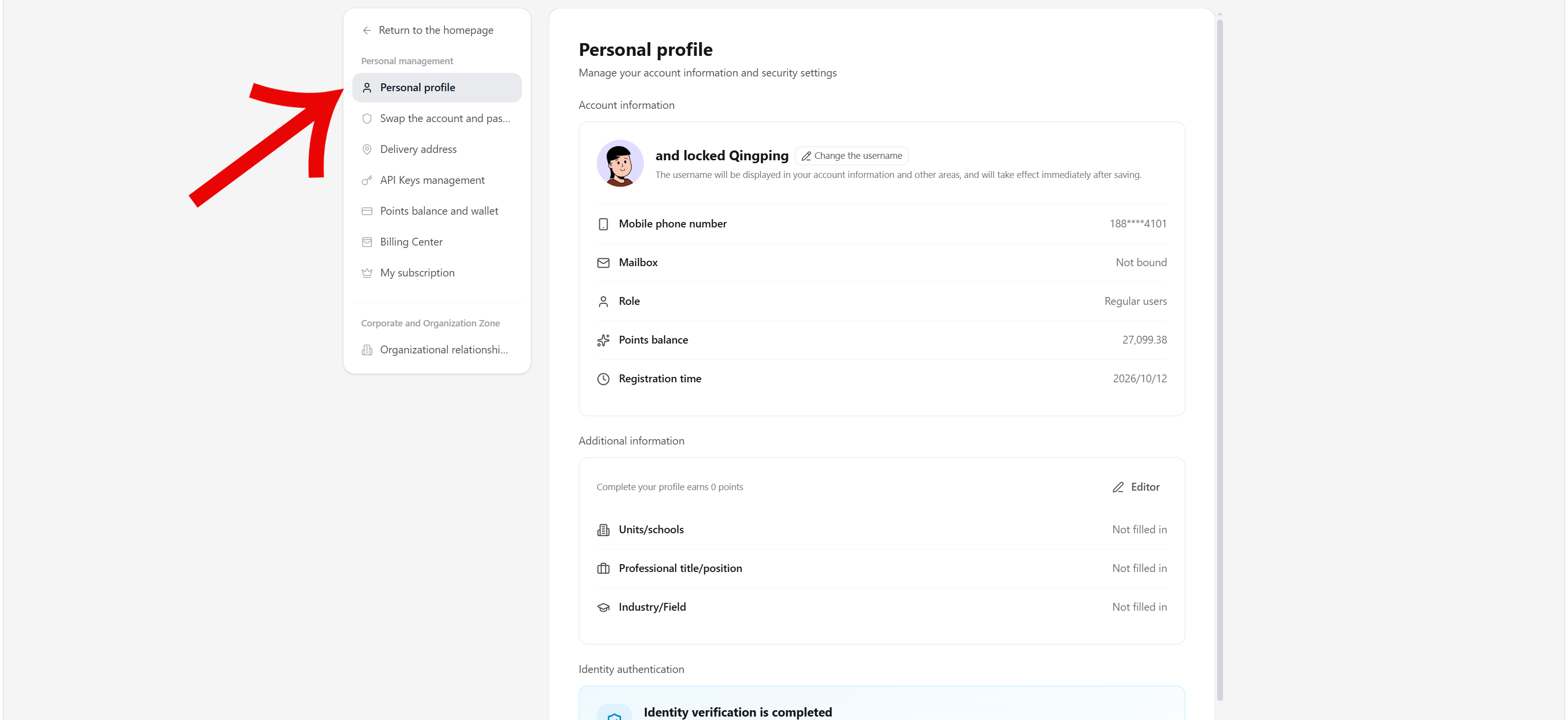
After signing in, open the account menu at the bottom-left of the agent workbench and select Profile. Inside, switch between sections with the left navigation. The Profile page shows and maintains the display name, bound contact details, role, credit balance, registration time, plus extended fields such as organization/school, title, and industry/field. Select Change username or Edit, fill in, and save per the page.
Storage usage is under Library after clicking the avatar in the agent workbench, which shows the quota and usage. Whether sections appear and their viewable scope depend on account type, organization role, and subscription; insufficient permissions or an expired organization subscription may show read-only or unavailable states—follow the page.
Fill in real information relevant to research or work; do not put ID numbers, card numbers, or detailed addresses into profile notes. Identity verification types, material, and rewards follow the current page.
Account and password rebinding
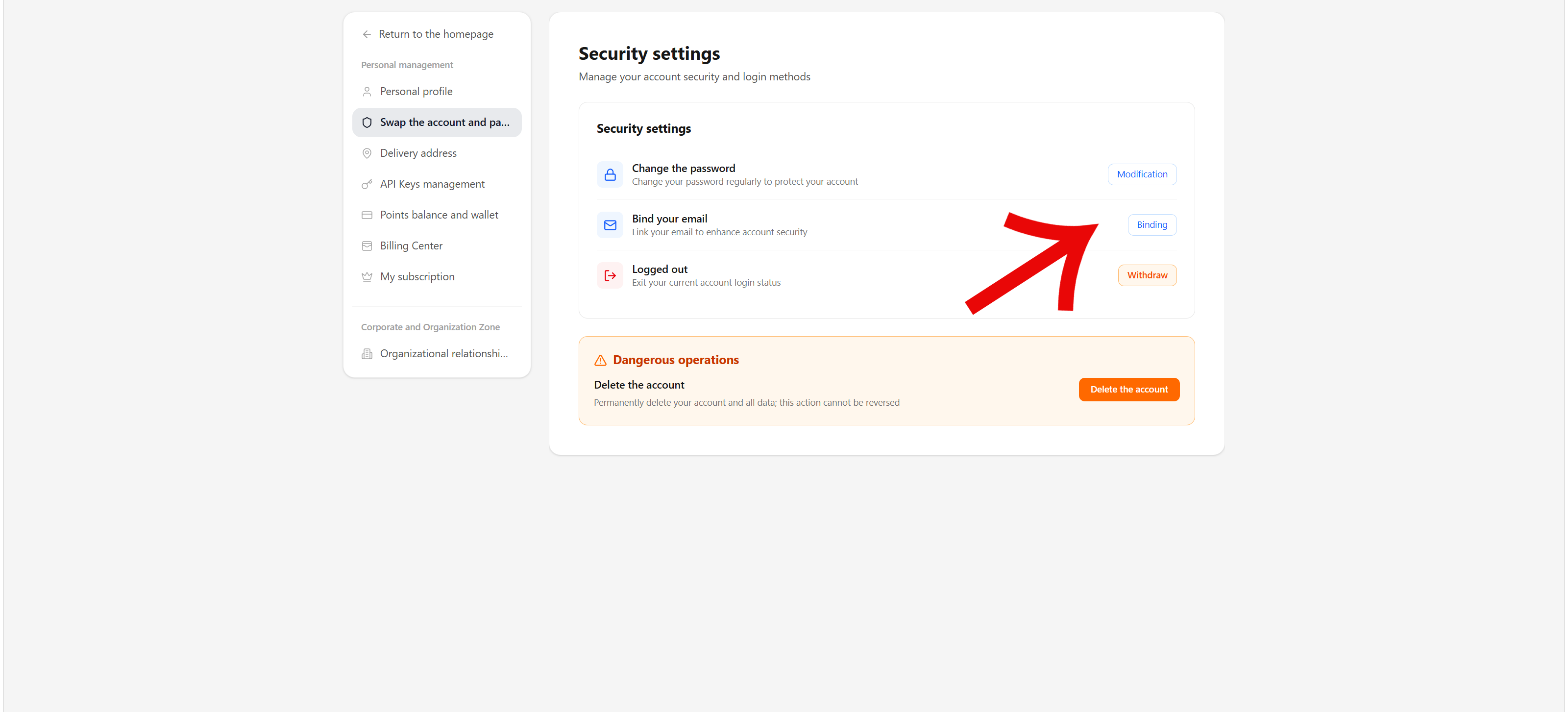
Under Account & password rebinding you can change the password, bind or rebind email, and sign out. Changing the password or contact details usually requires current-credential or verification-code checks per the page; never share codes, passwords, or verification links.
Delete account is irreversible and permanently removes the account and data. Unless you are sure no material, records, or credits are needed, do not use it.
Shipping addresses
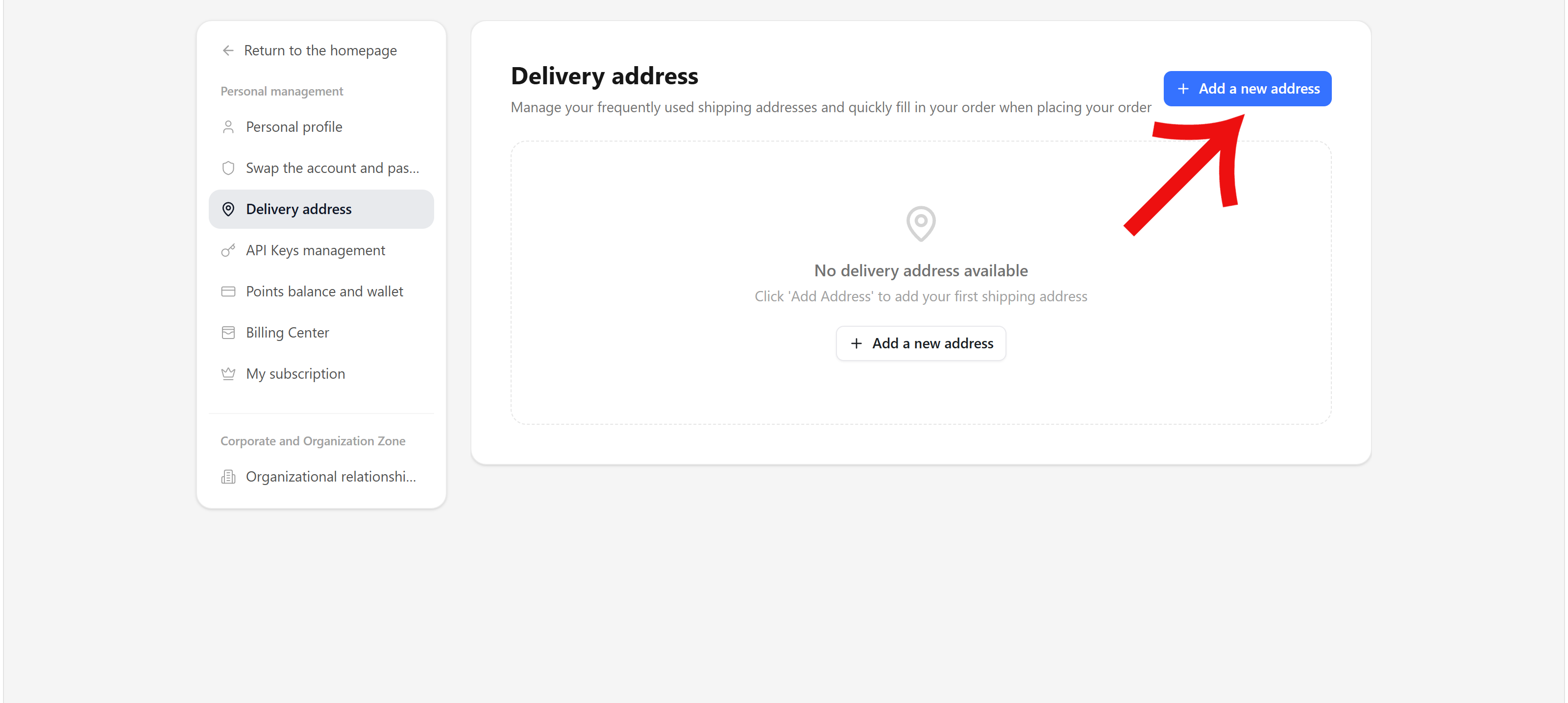
Shipping addresses maintains delivery information for services or goods. Select Add address and fill in recipient, contact, and address per the form; confirm the region and contact details before submitting. Addresses belong in the platform form only—do not expose them in public conversations or screenshots.
API key management
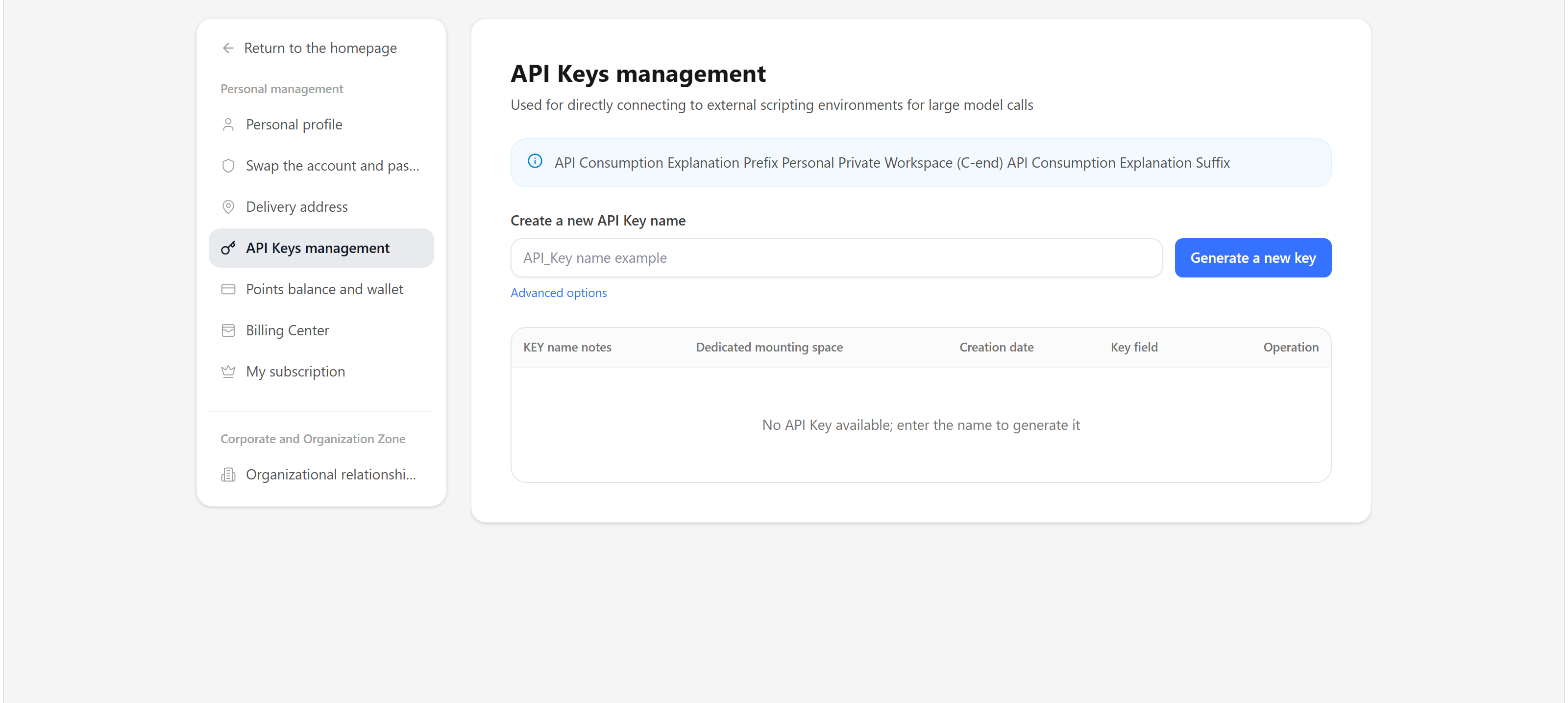
API keys management views, creates, and manages keys for program calls. After creating, store a key immediately in a secure manager or server environment variable; never write full keys into repositories, documents, screenshots, frontend code, or chat messages.
When a key is no longer used, disable or delete it here and update dependent services. When a key's origin or purpose is unclear, disable it first and check call records.
Credit balance and wallet
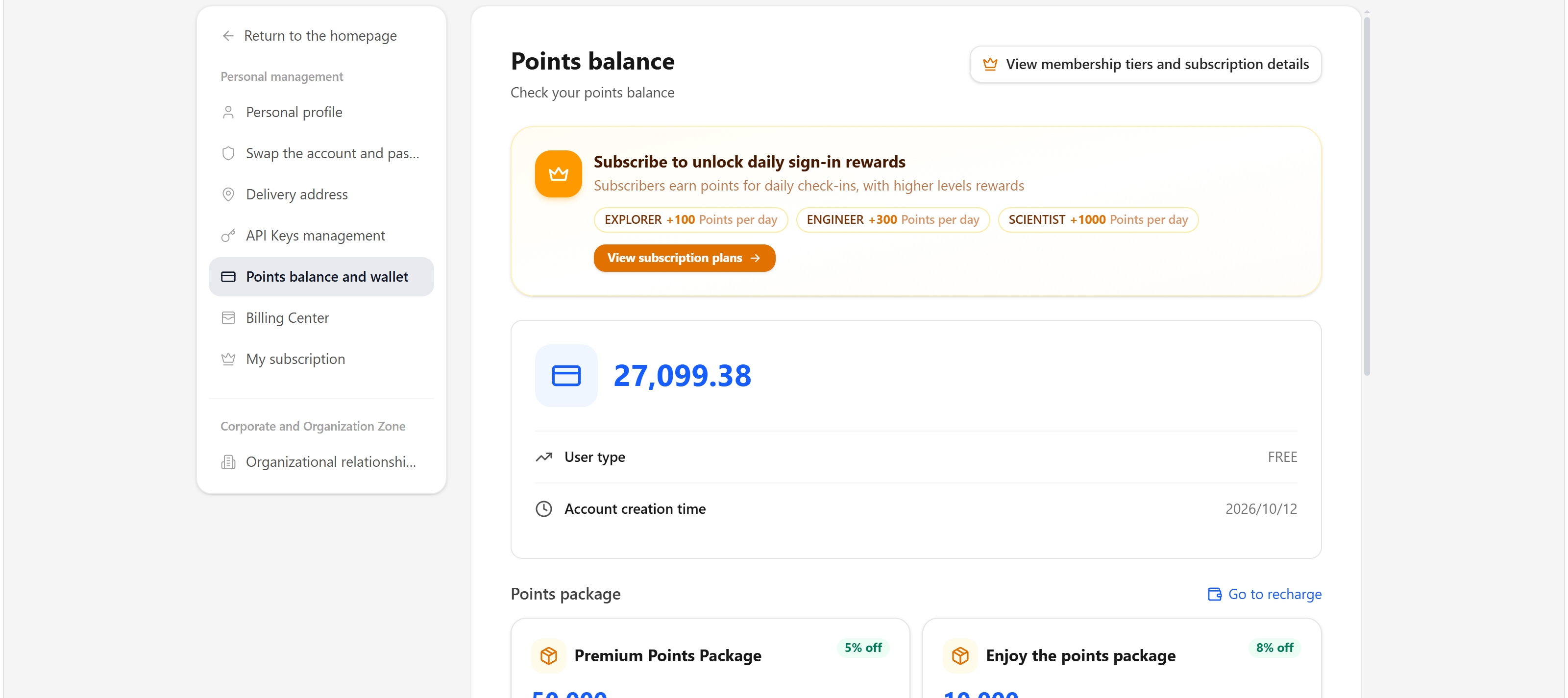
Credit balance & wallet shows the credit balance, available plans, and related entries. For earning, spending, top-up, and transaction rules, see Earning and using credits.
After spending, check-in, or purchase, reopening settings or the credit page refreshes the balance. If the balance differs from expectations, check the credit ledger and the matching task or order records—do not verify billing by rerunning tasks.
Billing center
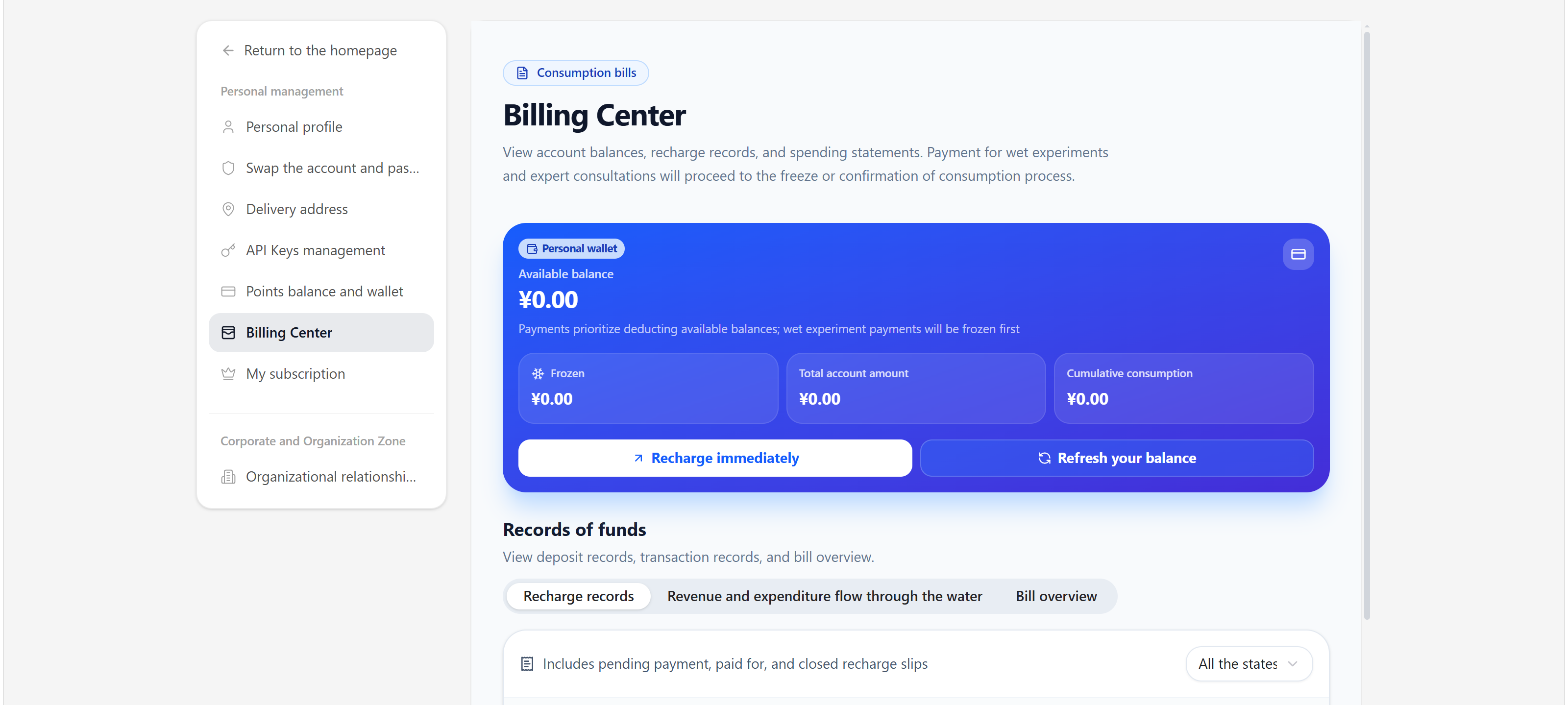
Billing center shows account balance, top-up records, and billing details. Amounts, order numbers, and payment vouchers are sensitive—share only the necessary parts when reporting issues.
My subscription
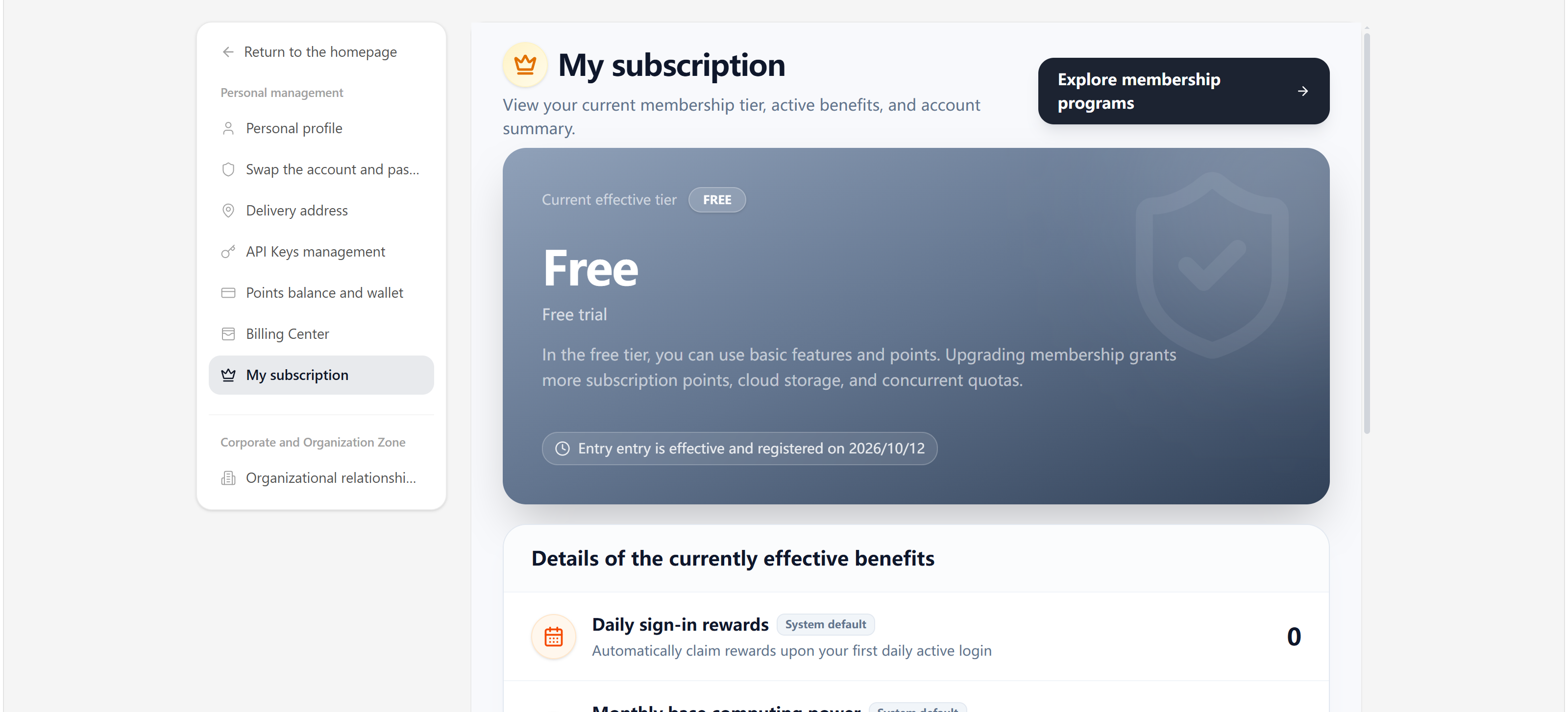
My subscription shows the current plan, benefits, and renewal settings. Before changing or cancelling, verify effective time, auto-renewal status, and applicable rules; see Membership, subscription, and refunds and Auto-renewal.
FAQ
| Situation | Suggested handling |
|---|---|
| Cannot find a settings section | Confirm you are signed in and check personal vs organization context; sections vary by role |
| Want storage usage | Open Library after clicking the avatar for quota and usage; visibility and scope depend on account type, organization role, and subscription; read-only or unavailable states may appear with insufficient permissions or expired subscriptions—follow the page |
| Need to change email or password | Follow the steps under Account & password rebinding; never share passwords or codes |
| Configuring program calls | Create a least-privilege key under API keys management and store it only in a secure server environment |
| Wrong address, billing, or subscription info | Verify the current account and page prompts; mind information security when submitting support requests |