Getting Started
This chapter walks you through signing in to MatwingsVenus®, opening the agent workbench, and completing your first protein information query.
Before you start
- An account that can sign in to the platform.
- A browser and network that can reach the platform.
- A research question with a well-defined scope.
- If you plan to use your own data, prepare the sequences, structures, or other input files in advance.
For your first run, avoid uploading private data. You can get familiar with the full workflow using the public protein query example provided in this manual.
Register / sign in
- Open the MatwingsVenus® home page.
- Select Sign in in the upper-right corner.
- Choose Verification code or Password sign-in, then enter your phone number or email along with the required credentials.
- Read and accept the user agreements, then select Sign in.
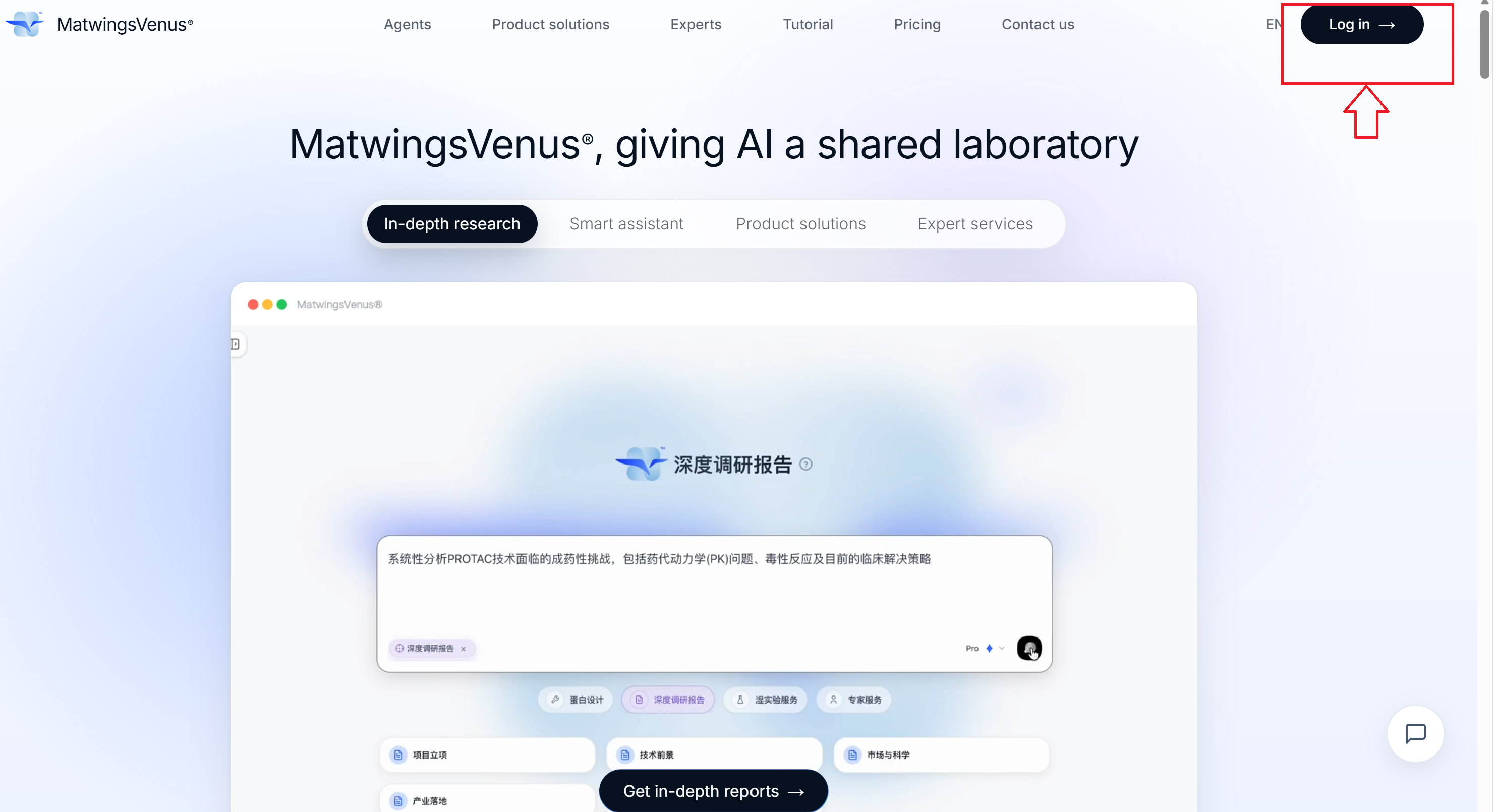
Verification-code sign-in supports mainland China +86 phone numbers and email addresses. Unregistered accounts are created automatically after a successful verification; if you have an invitation code, select Manual registration at the bottom of the page.
Open the agent workbench
After signing in, open the agent workbench and select Start a new conversation on the left.
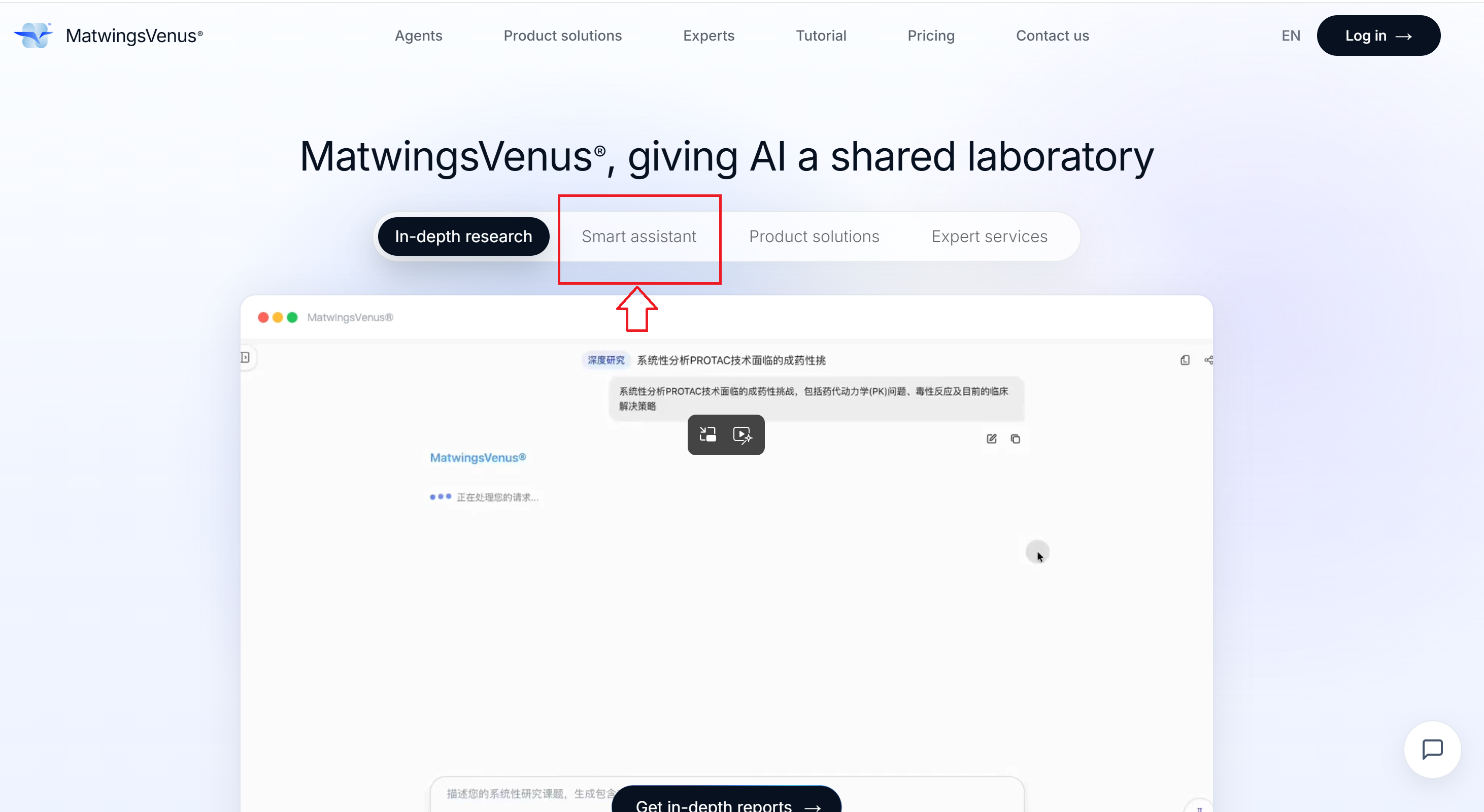
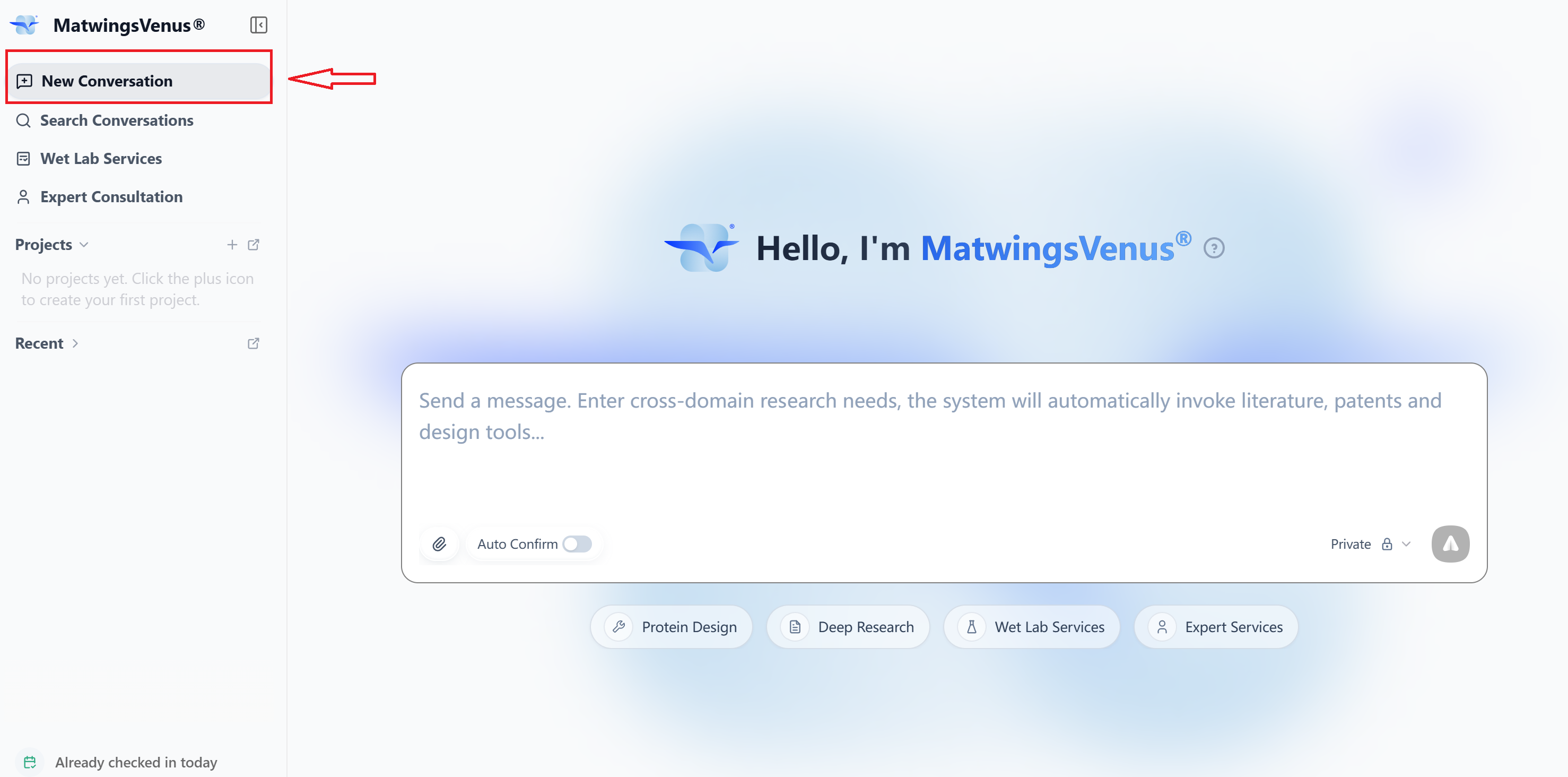
When you see the question input area and the task examples, you are on the right page.
What to do first
For your first task, we recommend querying the known high-affinity human receptors of CXCL12. It requires no file uploads and shows database retrieval, tool calls, tabular results, and evidence classification.
After completing it, you will know how to:
- Start a new conversation and choose a run mode.
- Write a question that states the goal, constraints, and expected output.
- Tell whether a task is still running.
- Review the analysis process, tool calls, and the final answer.
- Ask follow-up questions in the same conversation.
Start your first task
Complete your first agent task
Use your own data
After finishing the example, continue with: